
Mobile phone theft: what to do if your device is stolen
Simple steps to protect your phone, personal information and accounts.
Having your mobile phone stolen can mean losing far more than the device itself. Phones can provide access to email, banking, payment cards, photographs, social media and other personal information.
If your phone is stolen, acting quickly can help protect your accounts and data, prevent unauthorised use and improve the chances of the device being identified if it is recovered.
Here are the steps you should take.
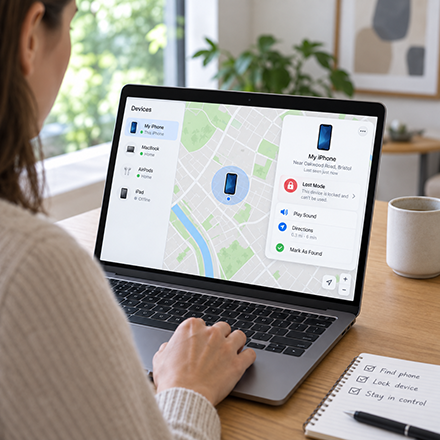
1. Locate and lock your phone
Use another phone, tablet or computer to try to locate and secure your device as soon as possible.
For an iPhone, use Apple’s Find My service. For an Android phone, use Google’s device-finding service. Depending on your settings, you may be able to locate the phone, make it play a sound and remotely lock it.
Activate Lost Mode or the equivalent option where available.
If the location suggests your phone has been stolen, do not attempt to recover it yourself. Pass any useful location information to the police.
2. Contact your mobile network
Tell your network provider that your phone has been stolen. They can suspend your SIM or eSIM and block the handset using its IMEI number.
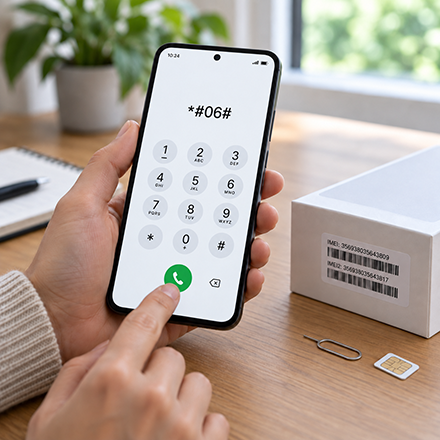
Your IMEI is a unique 15-digit number used to identify your handset. Dial *#06# to display it on your phone. Dual-SIM devices may have two IMEI numbers, so record both where applicable.
If the phone has already gone, you may be able to find the IMEI through your device account, original packaging, purchase information or network provider.
Keep a record of it. You may need it for the police and your insurer.
3. Protect your banking and payment accounts
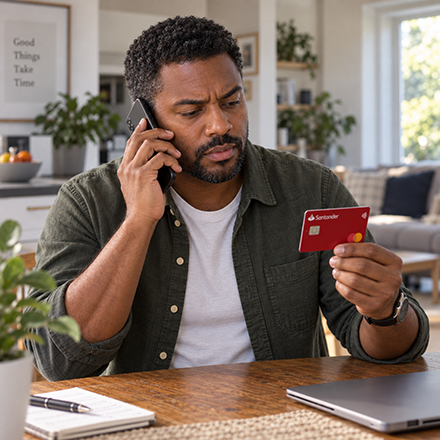
If you use mobile banking, Apple Pay, Google Wallet or other payment services, contact your bank or card provider as soon as possible.
Tell them the phone has been stolen and follow their advice about securing your accounts, cards and mobile banking access.
Check for transactions or activity you do not recognise and report anything suspicious immediately.
4. Secure your important online accounts
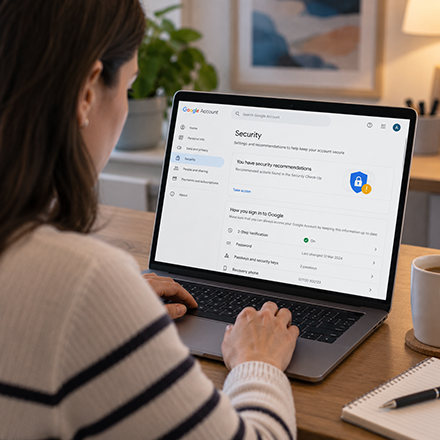
Start with your main email account, as this can often be used to reset passwords for other services.
Review your email, Apple or Google account, social media, shopping accounts, cloud storage and other important services. Change passwords where necessary and sign the stolen device out of accounts where appropriate.
Be careful about removing the phone completely from your Apple or Google account while you are still trying to locate it, as this may affect tracking and security features.
5. Report the theft to the police
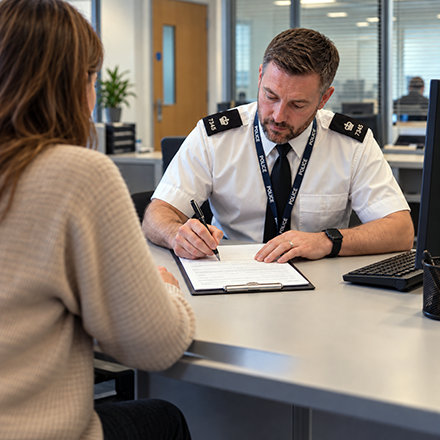
If your phone has been stolen, report it to the police. In the UK, non-emergency theft can normally be reported online through your local police force or by calling 101.
Provide the make and model, colour, IMEI or serial number, where and when it was stolen, and any useful information from your device-tracking service.
Keep your crime reference number, particularly if you intend to make an insurance claim.
6. Mark your phone as stolen on Immobilise
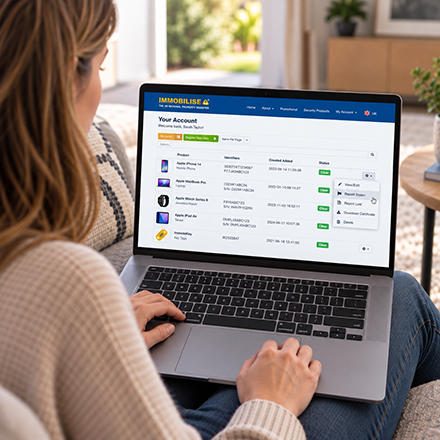
If your phone is registered on Immobilise, sign in to your account and change its status to Stolen. Check that the IMEI and your contact details are correct.
Police across the UK use the National Mobile Property Register (NMPR) to check identifiable property. If a recovered phone’s IMEI or another identifer is searched, its Immobilise registration can help show that it has been reported stolen and link it back to its registered owner.
If the phone has simply been misplaced, mark it as Lost instead.

7. Tell people close to you
Let family, friends or colleagues know that your phone has been stolen, particularly if someone could use your number or accounts to impersonate you.
Ask them to be wary of unexpected messages requesting money, passwords, security codes or personal information.
8. Erase your phone if it cannot be recovered
If attempts to recover the phone have failed and you are concerned about the information stored on it, you may want to erase it remotely.
Follow the guidance provided by your device manufacturer and consider this step carefully. Erasing the device may affect your ability to continue locating or tracking it.
Make sure you have recorded any information needed by the police or your insurer first.


9. Contact your insurer
If your phone is insured, contact your insurer and check what they need to process your claim. This could include your crime reference number, IMEI, proof of purchase and details of when and where the theft happened.
If you do not have separate mobile phone insurance, check whether the device is covered through your home insurance or a packaged bank account.
Make your phone easier to protect before something happens
The best time to prepare is while your phone is still safely in your possession.
Use a strong PIN and biometric security where available. Make sure device tracking, remote security features and automatic backups are enabled.
Record your phone’s IMEI number by dialling *#06# and remember that a dual-SIM device may have two IMEIs.
You can register your phone and its identifying details free on Immobilise. This gives you a record you can access even if you no longer have the handset and can help police identify it and link it back to you if it is recovered.

Act quickly
A stolen phone can quickly become much more than a missing piece of property. Acting promptly can help protect your personal information and accounts and improve the chances of the device being identified if it is recovered.
If your phone is already registered on Immobilise, remember to update its status if it is ever lost or stolen.
Share this page
We hope you find this advice useful. Please share it with family, friends and colleagues so they know what to do if a mobile phone is lost or stolen.
Connect with Immobilise


Security products
ImmobiMark Complete Property Marking Kit
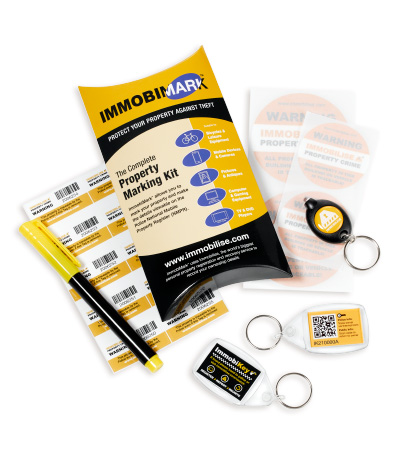
Ideal for use with your Immobilise account. You will be able to mark, label and register all your possessions to deter thieves and help the authorities identify and return your property.
Fake TV Burglar Deterrent

TV Sim is a burglar deterrent that makes it look like someone is home watching television.
It does this by recreating exactly the sort of light produced by a real TV, which when viewed from outside makes it look like somebody must be watching television.